
Desktop screenshots for the Shopify Partners listing. Each file is exactly 1600×900 PNG, cropped to the PrepKingz portal (no browser chrome, no desktop background, no customer emails or phone numbers). PrepKingz does not integrate with Shopify POS, so no POS shots are included. The merchant portal is a desktop operations tool; skip mobile unless Shopify later asks for a phone layout.
Upload at least the first three. Paste the alt text into the listing field (each is under 64 characters). Do not add marketing banners, reviews, or app-pricing copy on top of these images.
Screenshot 1 · Orders
Primary UI — fulfillment queue after Shopify sync.
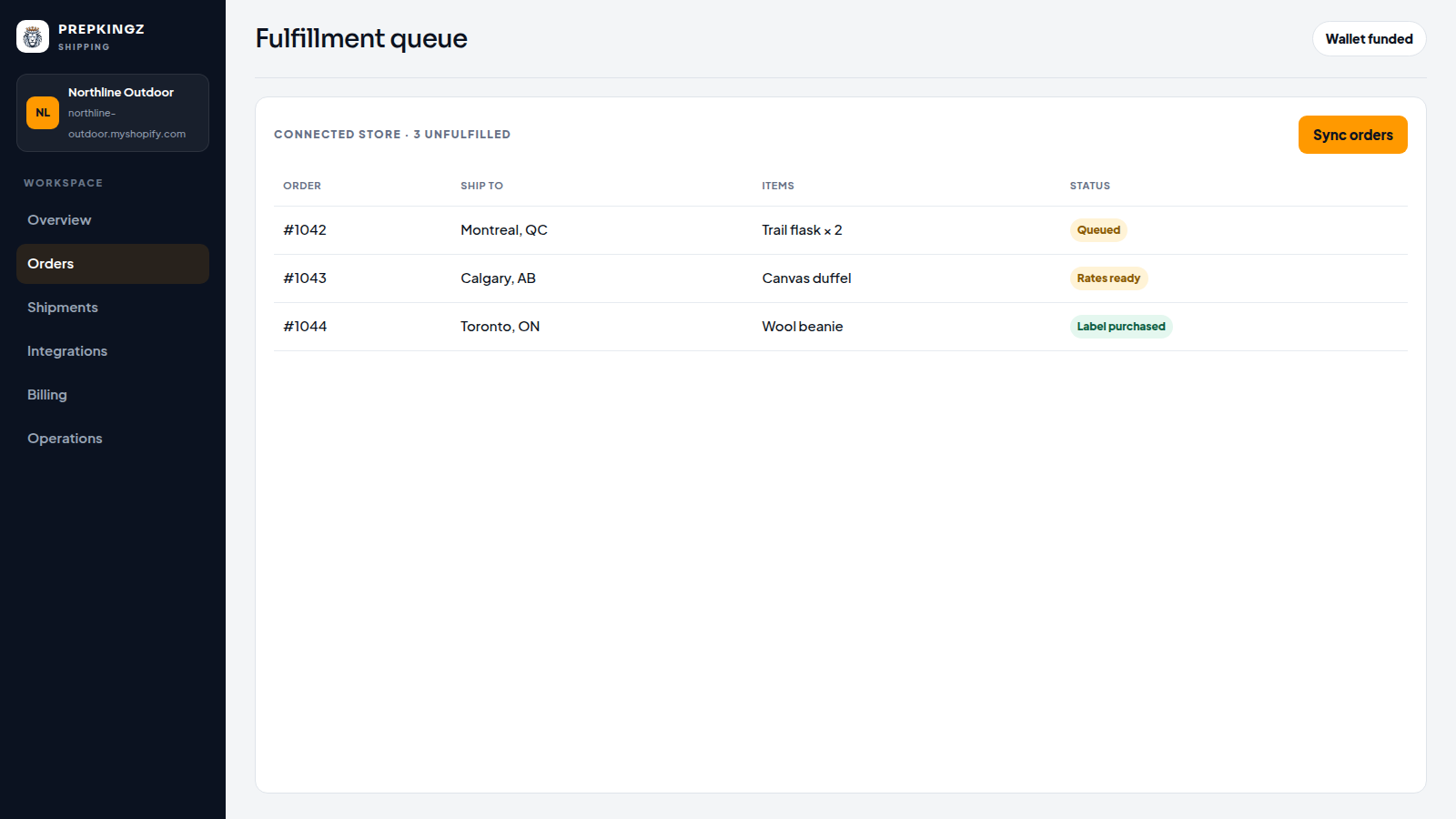
Alt text (55/64)Order queue of unfulfilled Shopify shipments to fulfill
Screenshot 2 · Rates
Core feature — choose a carrier rate before buying a label.
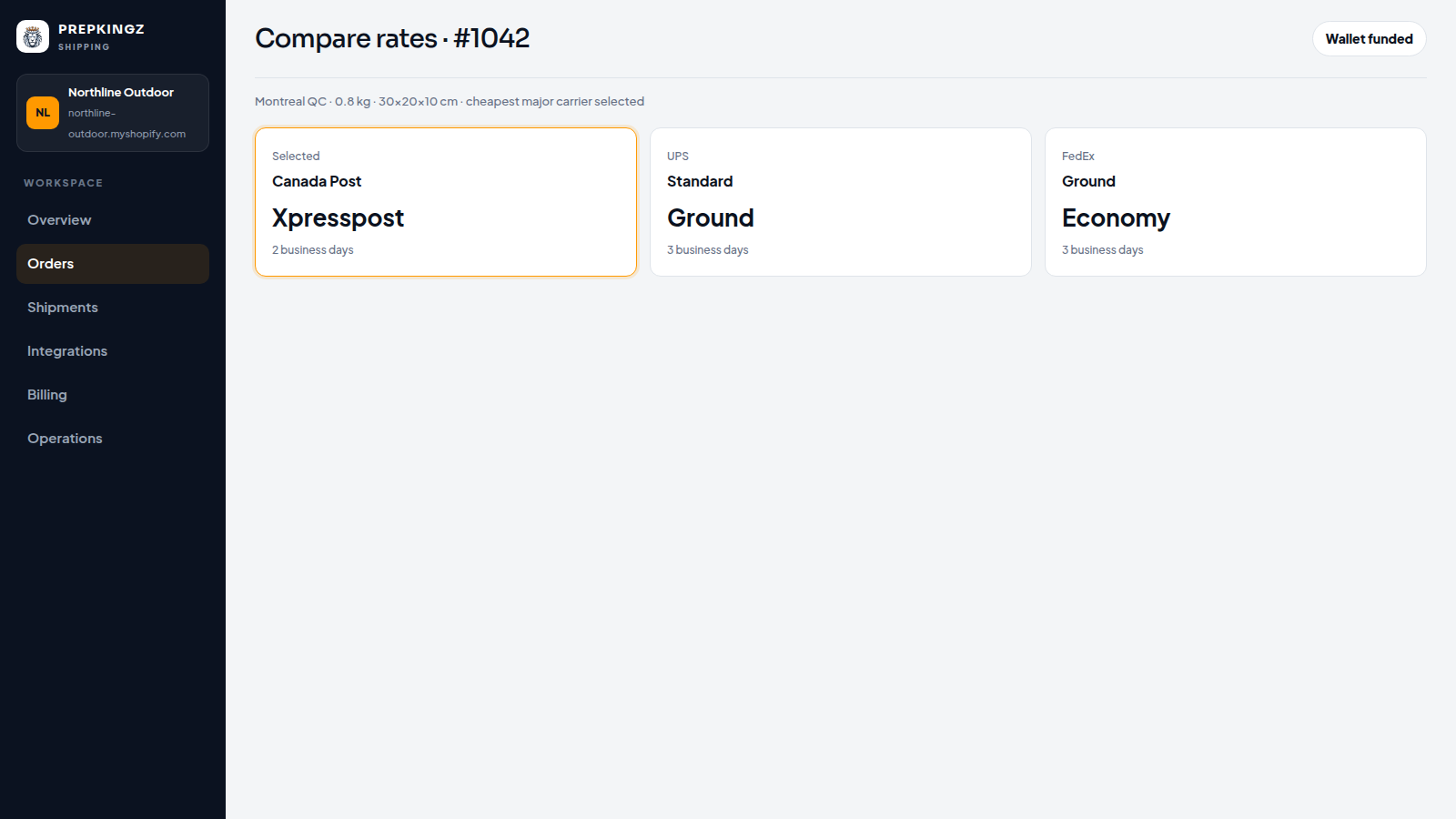
Alt text (50/64)Compare Canada Post, UPS, and FedEx for a shipment
Screenshot 3 · Operations
PrepKingz fulfillment — pick, pack, and scan tracking.
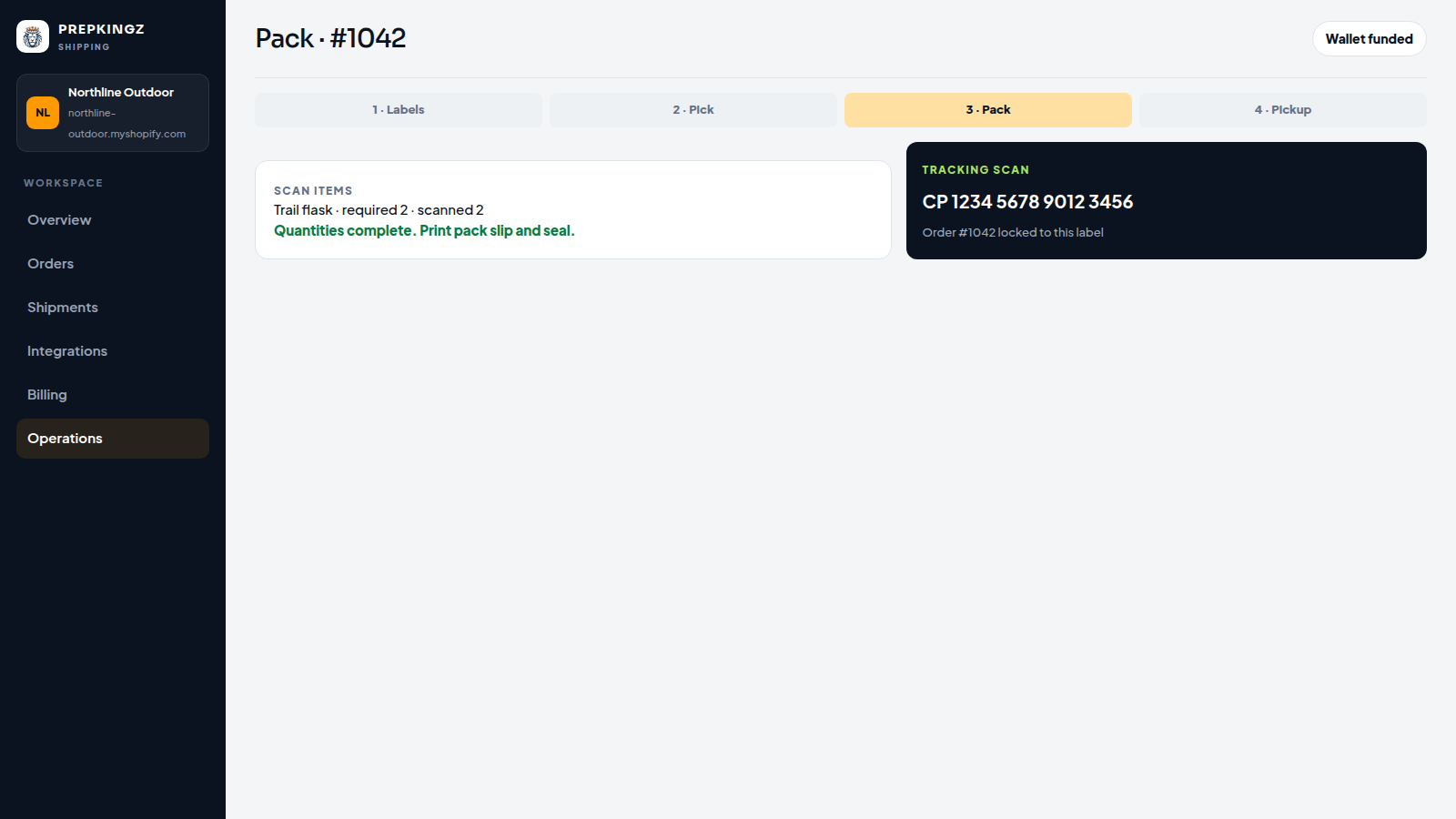
Alt text (51/64)Warehouse pack view with scanned items and tracking
Screenshot 4 · Integrations
Optional extra — store connected, fulfillment service ready.
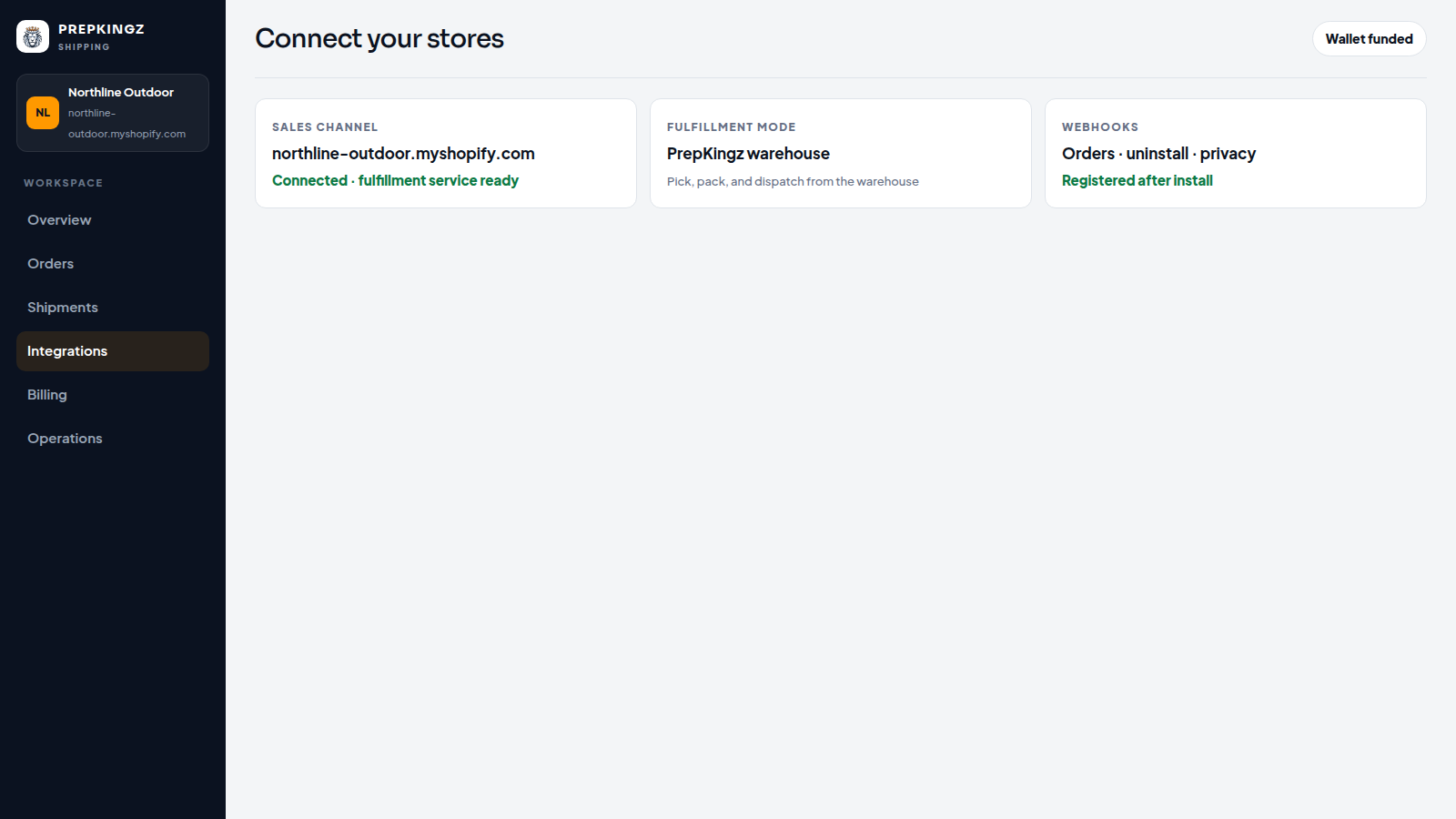
Alt text (50/64)Integrations screen with a connected Shopify store
Screenshot 5 · Shipments
Optional extra — tracking pushed back to Shopify.
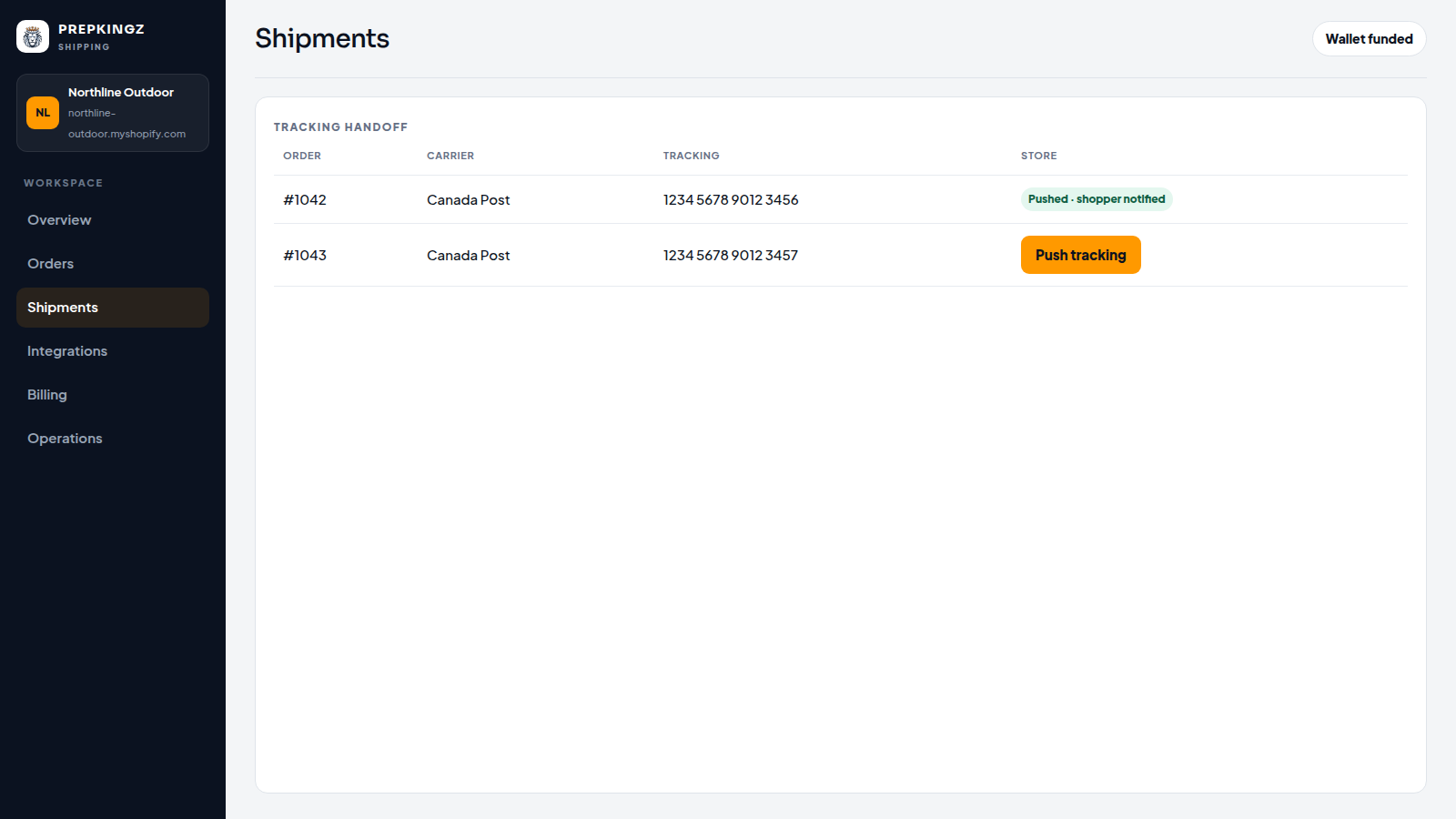
Alt text (48/64)Shipments list with tracking sent to the shopper
Listing checklist
- Format: PNG · size: 1600×900 · devicePixelRatio 1
- No browser UI, no wallpaper, no Shopify trademark logos
- Demo workspace only (Northline Outdoor) — no live customer PII
- POS: not applicable
Need help? Email support@prepkingz.com · Terms · Refunds · Screencast